Save 50% for 12 months — limited-time offer. Get started today.

WhatsApp Business API Provider in India for Secure, Scalable Business Messaging

AI-powered WhatsApp messaging with templates, automation, and SMS/RCS fallback

Trusted by Indian teams for secure, compliant WhatsApp messaging at scale

As a WhatsApp Business API Provider in India, Turain helps teams run compliant WhatsApp messaging at scale—with onboarding support and clear delivery reporting for high-volume use.


ECI logo
Karuna logo
Keventer logo
IISER logo
IFB client logo
Indian Railways client logo
Fortis Healthcare client logo
IRIS client logo
Merlin Group client logo
SS Jalan client logo
Rupa client logo
PICE Educare client logo
Skipper client logo
MSME client logo
Pathfinder client logo
WhatsApp Business API onboarding and setup icon
Verified business profile onboarding

A verified business profile helps customers recognize your brand, trust the sender, and engage confidently.

High delivery rate and uptime icon
Higher open and read rates on WhatsApp

WhatsApp is built for conversation—so customers often see and respond faster than email when messages are relevant and permission-based.

Multi-agent WhatsApp team inbox icon
Multi-agent team inbox for sales and support

Manage chats across teams with a shared inbox, role-based access, routing, and tags—so sales and support stay aligned.
Fallback channels (SMS, RCS, voice) icon
AI automation with reliable SMS/RCS fallback

Automate key journeys with AI-assisted workflows—and keep communication running with SMS/RCS fallback when WhatsApp can’t be delivered.
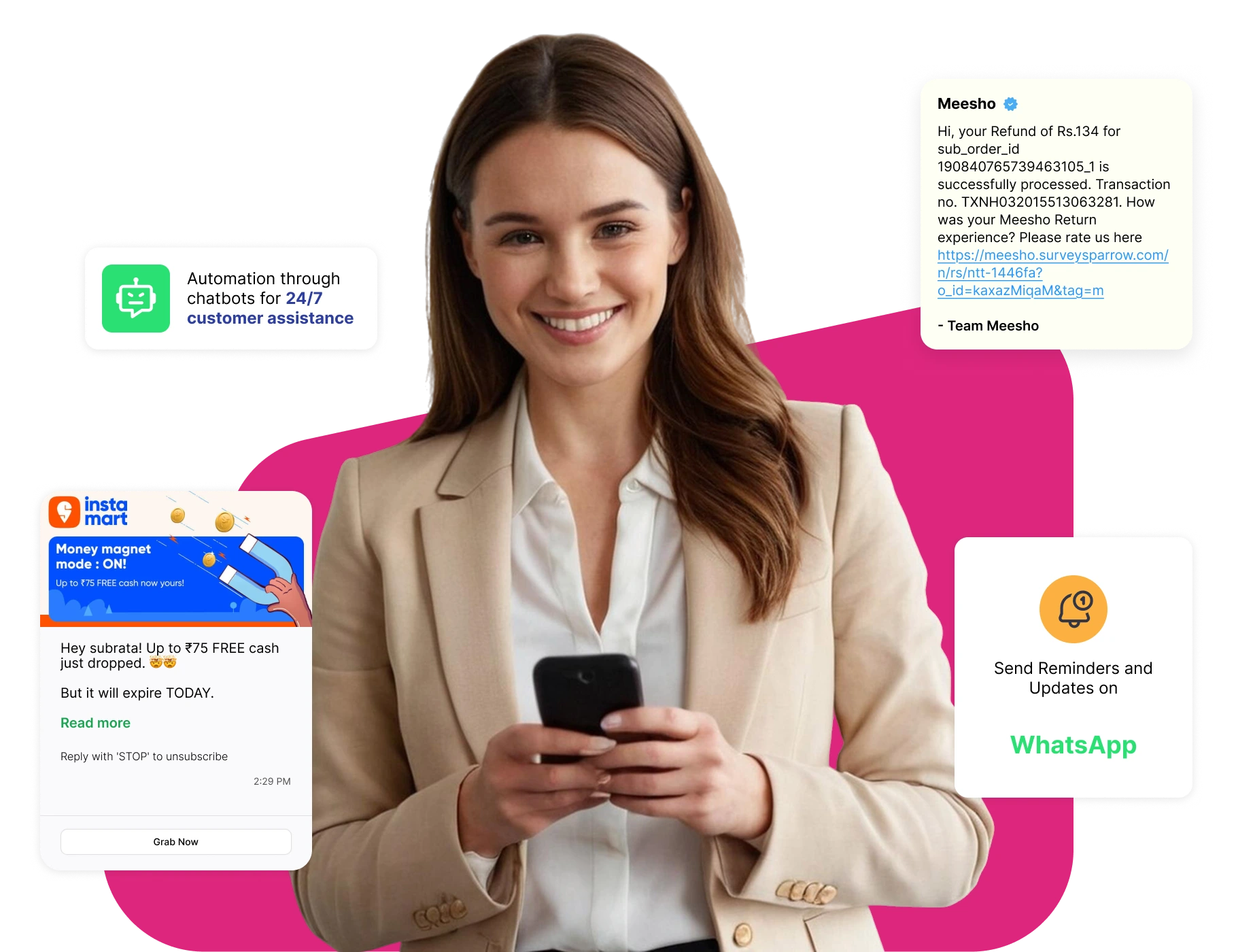

What is WhatsApp Business API and when should you use it?

The WhatsApp Business API (WhatsApp Business Platform) lets businesses message customers using approved templates and interactive formats at scale. It supports multi-user access, automation, and integrations (CRM/helpdesk). Outbound messaging outside the customer service window typically requires approved templates, and costs depend on message category and market.

Use WhatsApp for order updates, appointment reminders, payment alerts, customer support, and opt-in campaigns—while staying aligned with WhatsApp’s messaging policies.

WhatsApp Business API chat illustration on smartphone

WhatsApp Business API features that improve sales, support, and engagement

Turain helps you set up, integrate, and run WhatsApp messaging with automation, a multi-agent inbox, and unified analytics—plus optional SMS/RCS fallback.

Verified business profile (setup and approval guidance)

We guide you through profile setup and verification best practices so your account looks trustworthy to customers.

Template messaging (text, media, buttons) with approval support

We help you design and submit templates the right way (format, variables, category) to improve approval success and keep messaging consistent.

Rich media messaging (images, docs, quick replies)

Send rich messages (images, PDFs, buttons, quick replies) to reduce friction and help customers take action faster.

Chatbot and automation flows for lead capture and support

Build automation flows for FAQs, lead qualification, and support—then escalate to agents when the customer needs a human.

AI-assisted replies and message variants (brand-safe)

AI can suggest reply variations and improve clarity while keeping your brand tone consistent (you stay in control).

Intent and sentiment insights for smarter routing

Use intent and sentiment signals to route chats to the right team (sales, billing, support) and prioritize urgent cases.

Send-time optimization and scheduling

Schedule messages and test timing to improve responses—without over-messaging your audience.

Smart fallback to SMS / RCS when WhatsApp can’t reach

If WhatsApp delivery fails, fallback can route the message to SMS or RCS based on your rules (ideal for critical updates).

Analytics dashboard (delivery, reads, clicks, replies)

Track delivered/read/replied/clicked metrics by template and campaign, and improve performance with structured testing.

How our WhatsApp Business API workflow works (AI + fallback)

Workflow overview: AI routing, templates, analytics, and SMS/RCS fallback

  • Secure business verification icon
    Setup and verification (number + business readiness)

    Complete onboarding: business setup, number readiness, verification, and WhatsApp Business Platform access.

  • Message template approval icon
    Template design and approval support

    Create templates (text/media/buttons) and submit for approval to stay compliant and scalable.

  • Broadcast messaging campaign icon
    Compose campaigns or automate (AI-assisted)

    Use our messaging UI or API to compose messages. AI helps suggest alternate variants or improved phrasing based on audience data.

  • Message routing and delivery icon
    Send messages and route conversations

    Messages go via WhatsApp. If delivery isn’t possible, fallback can route via SMS/RCS so time-sensitive communication still reaches the customer.

  • Delivery monitoring icon
    Track replies and measure performance

    Replies are handled in one place—auto-route to bot flows or to the right agent queue based on intent and priority.

  • Analytics dashboard icon
    Monitor, improve templates, and optimize outcomes

    Your dashboard shows results by template/campaign. Run A/B tests and refine templates, timing, and routing rules.

AI automation for WhatsApp messaging (chatbot, routing, agent assist)

Turain adds AI where it helps most—routing, agent assist, and optimization—without compromising compliance or control.

  • Conversational chatbot for FAQs and qualification
    Your WhatsApp channel can host AI bots that handle routine queries, lead qualification, and multi-step flows, handing off to a human agent when needed.
  • Agent assist: smart reply suggestions
    As you build template messages, our AI suggests alternative copy, media options, or variant versions tailored to your audience segments.
  • Adaptive scheduling based on engagement
    AI models analyse user engagement behaviour and automatically schedule messages at optimal times to increase open / read rates.
  • Reply analysis, tagging, and routing to teams
    Using intent detection and sentiment scores, user replies are classified (feedback, support, complaint) and routed accordingly—bot, live agent, and escalation.
  • Fallback rules engine (WhatsApp → SMS/RCS)
    Our system uses AI to decide when fallback (to SMS / RCS) is needed and which fallback route yields better deliverability.

We help you run WhatsApp messaging responsibly with opt-in hygiene, template best practices, and measurable reporting.

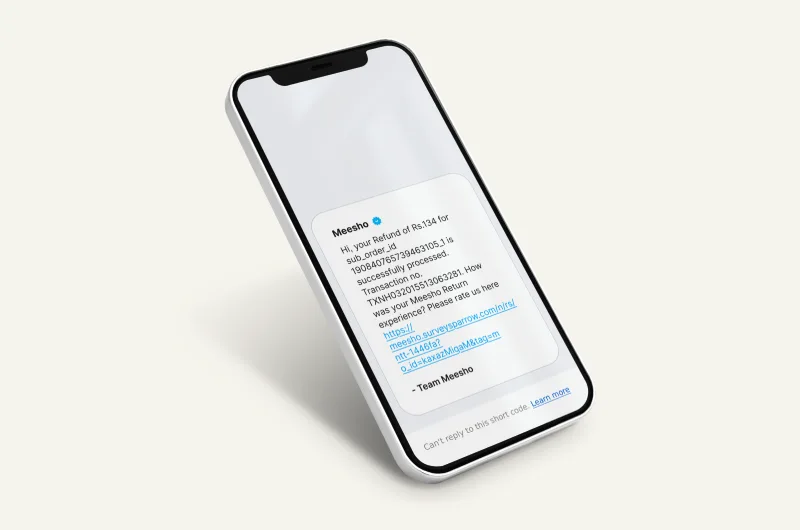
Industry use cases and WhatsApp template examples

Below are common industry use cases and sample template ideas you can adapt to your workflow and compliance needs.

E-commerce & Retail

Order updates, cart recovery, offers (opt-in)

{brand}: Hi {name}, your order #{order_id} has shipped. Track here: {link}. Need help? Reply HELP.
Copied

Banking & Finance

Transaction alerts, fraud risk alerts, service support

{bank}: Alert — ₹{amount} debited from A/C ending {last4}. If this wasn’t you, call {number} immediately or reply FRAUD.
Copied

Logistics & Delivery

Tracking updates, delivery slots, rescheduling

Your package is out for delivery. ETA: {time}. Reply RESCHEDULE to choose new time.
Copied

Healthcare & Clinics

Appointment reminders, follow-ups, reports and guidance

{clinic}: Reminder — appointment with Dr. {name} on {date} at {time}. Reply 1 to confirm, 2 to reschedule.
Copied

Travel & Hospitality

Booking confirmations, itinerary updates, support

{brand}: Booking confirmed for {destination}. View itinerary: {link}. Need help? Reply SUPPORT.
Copied

Infrastructure & Manufacturing

Shift alerts, workforce communication, internal updates

Shift reminder: {department} shift starts at {time} today. Reply YES to confirm attendance.
Copied

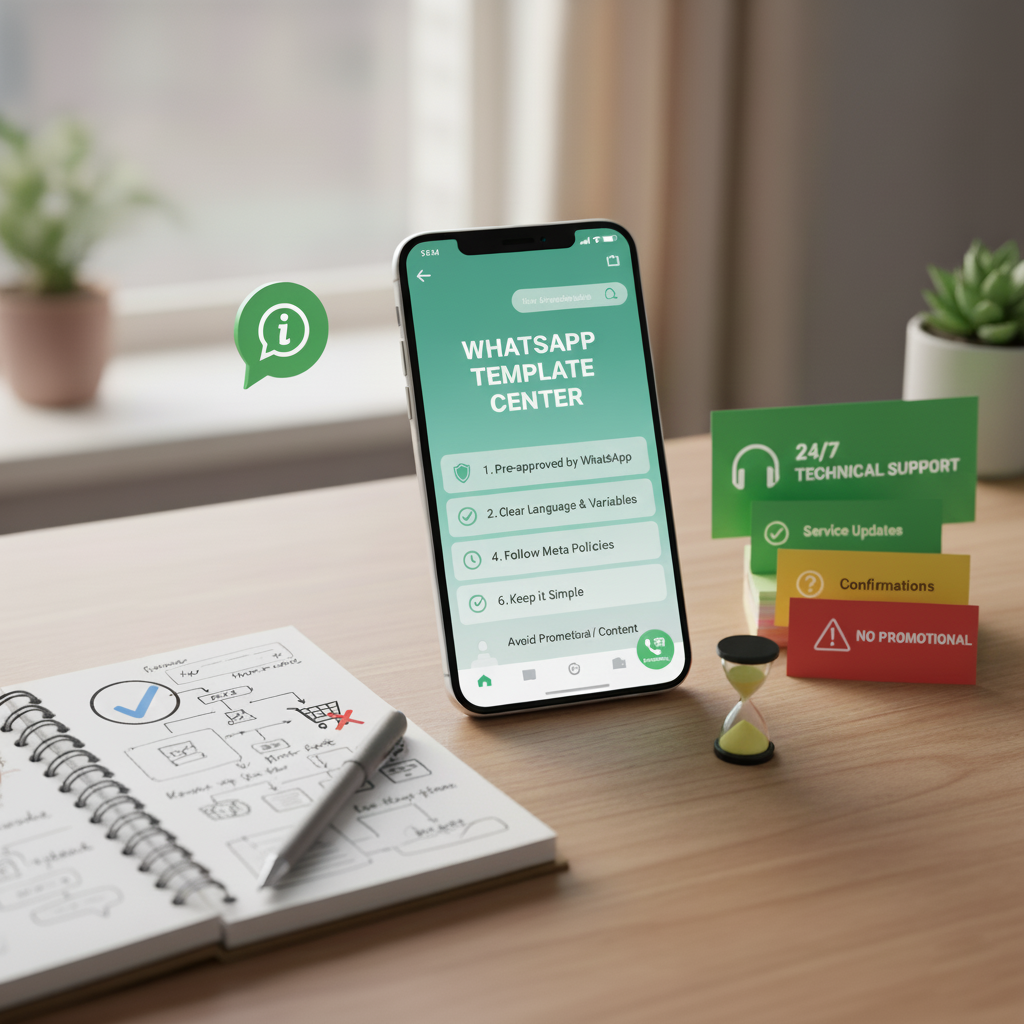
WhatsApp Template Rules, Compliance & Best Practices

  • Templates must be pre-approved by WhatsApp. Use clear language, limit variables, avoid promotional phrasing where disallowed.
  • Respect opt-in / opt-out rules; user must consent to receive messages.
  • 24/7 Technical Support
  • Follow Meta policies around template category (e.g. transactional vs promotional).
  • Keep templates simple, avoid spammy content.
  • Always provide support / fallback via SMS or alternative channel.
Request Demo
WhatsApp template rules and compliance illustration

WhatsApp vs SMS vs RCS vs Voice: which channel fits your use case?

Choose the right channel based on urgency, reach, and interactivity: WhatsApp for conversational journeys, SMS for universal reach, RCS for richer messaging on supported devices, and Voice/IVR for critical calls.

Channel Strengths Limitations Turain Strategy
WhatsApp API Rich media, interactivity, templates, automation Requires opt-in, template approval, some users not on WhatsApp Fallback to Bulk SMS or RCS automatically
Bulk SMS / SMS Universal reach (no app needed) Text only, no interactivity Used as fallback when WhatsApp fails
RCS Messaging Supports rich content, interactive elements Limited device / carrier support Integrate RCS + WhatsApp with common AI logic
Voice / IVR Useful for alerts or non-text interaction Not persistent thread, cost per minute Voice fallback or supplement for critical messages

How businesses use WhatsApp + AI for sales and customer support

Example (illustrative; results vary): An e-commerce brand combined WhatsApp templates with smart fallback and saw higher clicks versus SMS alone.

– E-commerce: abandoned cart, order updates, COD confirmation

Example (illustrative; results vary): A clinic used WhatsApp reminders with follow-up questions and reduced missed appointments.

– Healthcare: appointments, reports, reminders, follow-ups

Example (illustrative; results vary): A fintech team used WhatsApp alerts with SMS fallback for undelivered cases to improve reach for critical notifications.

– Fintech: KYC updates, alerts, collections, service

Backup channels when WhatsApp can’t reach (SMS, RCS, Voice)

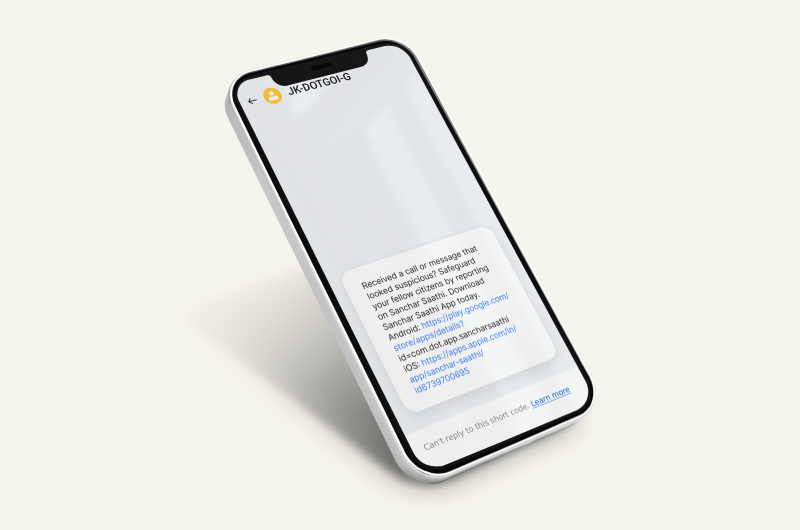
Transactional SMS backup channel illustration
Transactional / OTP SMS (authentication & alerts)

For critical alerts (authentication, OTP, account updates)

Read More
Bulk SMS marketing backup channel illustration
Bulk SMS for reach and time-sensitive campaigns

A reliable fallback for wide reach when WhatsApp isn’t available

Read More
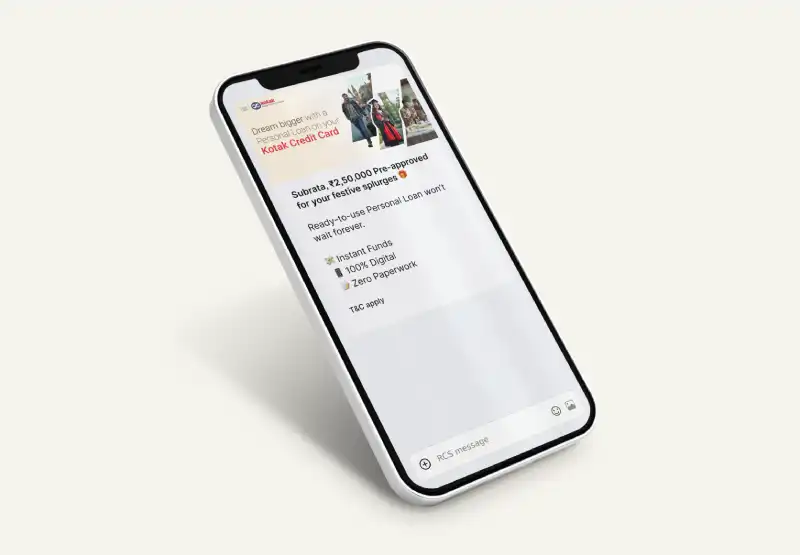
RCS messaging backup channel illustration
RCS messaging for rich, verified experiences

A richer alternative where RCS is supported (buttons, branding)

Read More
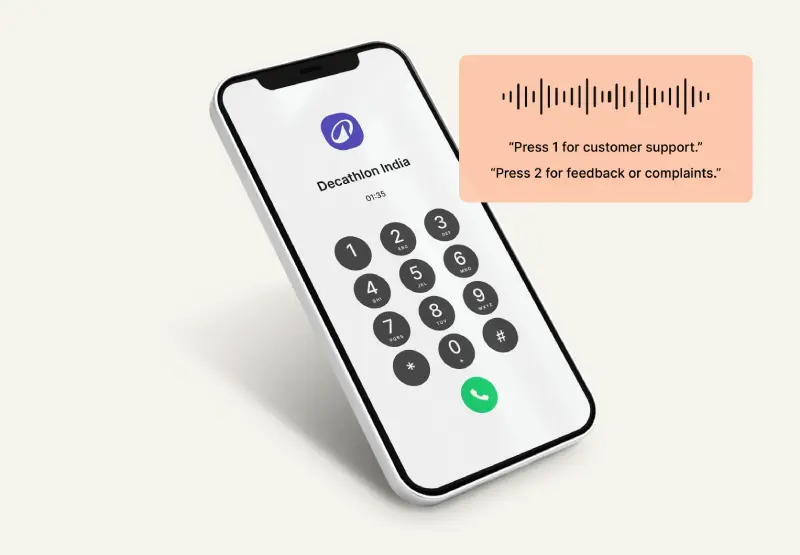
IVR and voice call backup channel illustration
Voice and IVR alerts for critical notifications

Voice/IVR for urgent alerts or when text isn’t enough

Read More

If WhatsApp delivery fails (no WhatsApp, blocked, unreachable), Turain can route the message via SMS or RCS based on your rules. WhatsApp + fallback channel data is tracked together so teams can measure reach and response.

Ready to launch WhatsApp Business API with Turain?

Book a demo: WhatsApp automation with SMS/RCS fallback for reliable delivery

Need immediate assistance? Call us now at +91 9230996919 or drop an email at support@turaingrp.com

Support executive holding laptop for WhatsApp Business API assistance

FAQ: WhatsApp Business API setup, templates, pricing, and compliance

Quick answers to common WhatsApp Business API questions
  • The API supports multi-agent access, automation, templates, CRM integration, and higher volumes—beyond what the WhatsApp Business app is built for.

Schedule a Consultation
Chat on WhatsApp