Turain runs a monitored voice infrastructure built for reliable calling. Live dashboards help track delivery, latency, and quality across networks so your voice workflows stay stable as volume grows.

Our voice platform is tuned for clear conversations across locations. We use routing and voice processing to maintain clarity, then monitor call quality signals so teams can improve performance over time.

If you support customers across regions, we help you scale calling with multilingual flows and secure routing—so your teams can communicate consistently across countries and time zones.

The platform is built for high call volumes. Usage analytics highlight bottlenecks and trends so you can maintain consistent performance as traffic increases.
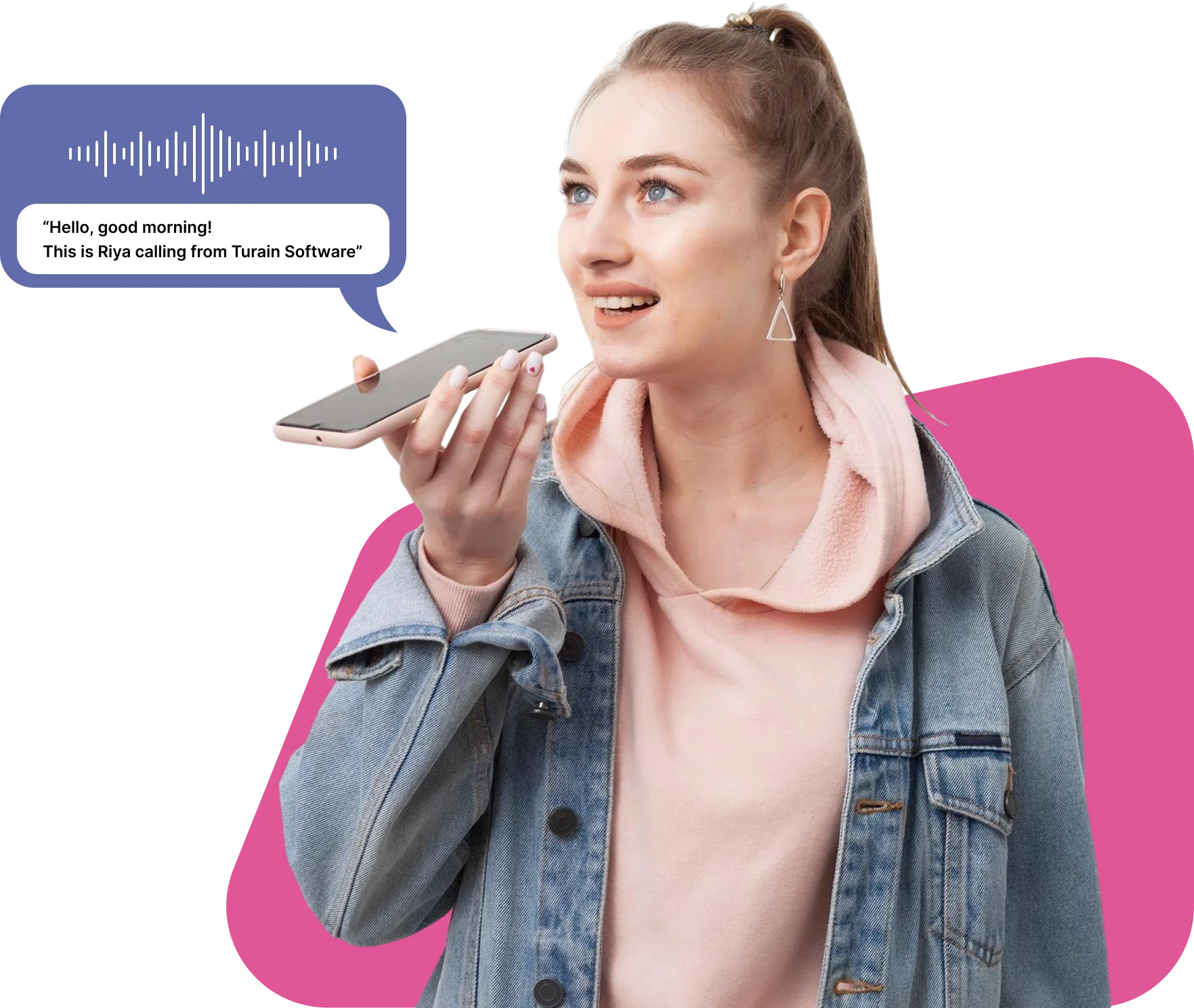
A Voice Call API lets your app initiate, receive, and manage calls programmatically. As a Voice Call API Provider in India, Turain supports IVR menus, routing, recording, speech recognition/NLP, and real-time analytics—ideal for reminders, confirmations, and support without heavy manual calling.
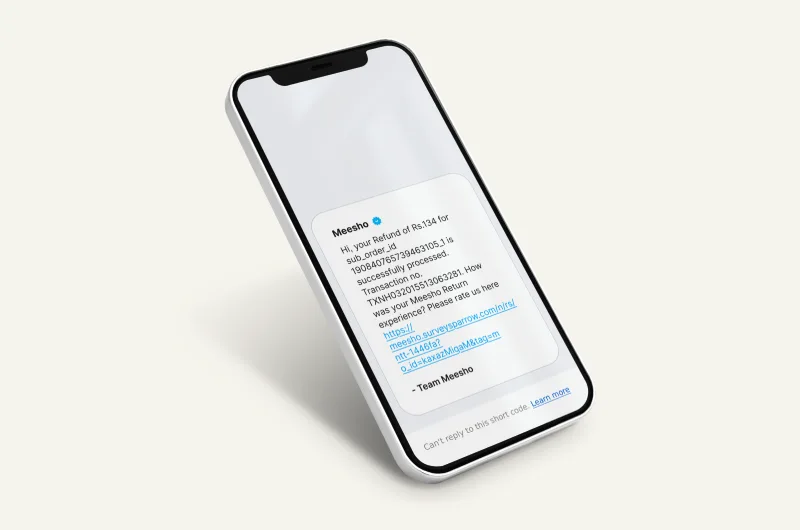
Many businesses pair voice with SMS, WhatsApp, or RCS for maximum reach. If a call isn’t answered, your system can automatically send a follow-up message on another channel so customers still receive the details.
AI voice calls with IVR automation, smart routing, real-time analytics, and fallback workflows—built for faster customer communication.
Run inbound and outbound calling using local, toll-free, or DID numbers. Control caller ID, routing rules, retries, and call events through the API.
Build IVR menus that callers can navigate using keypad (DTMF) or speech. Keep journeys simple, reduce waiting time, and route calls to the right team faster.
Use speech recognition to capture what callers say, and NLU to map it to intent. This helps your IVR understand requests faster and route or respond with fewer steps.
AI voice agents can answer common questions, qualify leads, schedule appointments, and triage support calls—then escalate to a human agent when needed.
Record calls (when applicable), transcribe conversations, and generate summaries for faster follow-ups. Structured call notes can be pushed into your CRM to improve reporting and customer context.
Route calls based on intent, time, language, and agent availability. Combine automation for speed with human escalation for complex issues.
If a call fails (busy/no-answer/network), apply retry rules and fall back to SMS/WhatsApp/RCS—so the customer still gets the message.
Track answer rate, drop rate, call duration, and quality signals in real time. Dashboards help teams spot issues quickly and improve scripts, routing, and timing.
Manage numbers and caller ID settings with a compliance-friendly setup across regions. We help you configure flows that respect local requirements and customer transparency.
Start by provisioning local/toll-free/DID numbers and configuring caller ID. Set the right authentication and routing settings so calls run smoothly across networks.
Design your IVR flow with clear prompts and simple paths. Combine keypad and speech input so callers can complete tasks quickly without confusion.
Add an AI voice agent for common intents and responses. Use NLU to detect needs, route to the right queue, and escalate complex cases to human agents.
Run outbound alerts or inbound support lines through stable APIs and webhooks. Capture events (answered, failed, duration) and keep workflows consistent across systems.
If a voice attempt doesn’t connect, automatically trigger SMS/WhatsApp/RCS fallback with the key details (link, code, next steps) so communication continues without delays.
Use transcripts and analytics to find drop-offs and friction points. Improve prompts, routing, timing, and escalation rules based on real call outcomes.
Turain goes beyond basic calling APIs. We embed AI across your voice workflows, including:
Keep calling compliant and high-quality with simple best practices: clear consent where needed, secure data handling, tested IVR flows, and continuous monitoring.
Use voice for urgent, complex, or high-touch interactions. Use SMS/WhatsApp/RCS for quick updates, links, confirmations, and scalable two-way messaging.
| Channel | Ideal For / Strengths | Limitations / When Other Channels Are Better | Turain Voice Integration Strategy |
|---|---|---|---|
| Voice / Voice API | Urgent alerts, high-priority messages, personal customer support, speech recognition | Requires infrastructure, may cost more, less suitable for non-urgent mass messages | Use voice when immediacy or human interaction adds value; fallback to SMS/WhatsApp/RCS when needed |
| Bulk SMS | Universal reach, simple notifications and reminders | Text only; lower engagement for personal or complex messages | Use as fallback when voice isn’t feasible; ideal for broad reach |
| WhatsApp Business API | Rich interactions, templates, media, interactive chat | Needs opt-in, template approval, user must have WhatsApp | Use voice for urgent messages + WhatsApp for rich content and follow-ups |
| RCS Messaging | Interactive content with buttons, media, and verified branding | Limited by device/carrier support; not universal | Use RCS where supported with voice fallback; shared routing logic |
Manage voice, SMS, WhatsApp, and RCS in one ecosystem—so you can route intelligently, automate follow-ups, and keep customer conversations consistent.
Use Transactional/OTP SMS for critical updates, and enable voice fallback when delivery is time-sensitive or when other channels fail.
Read More
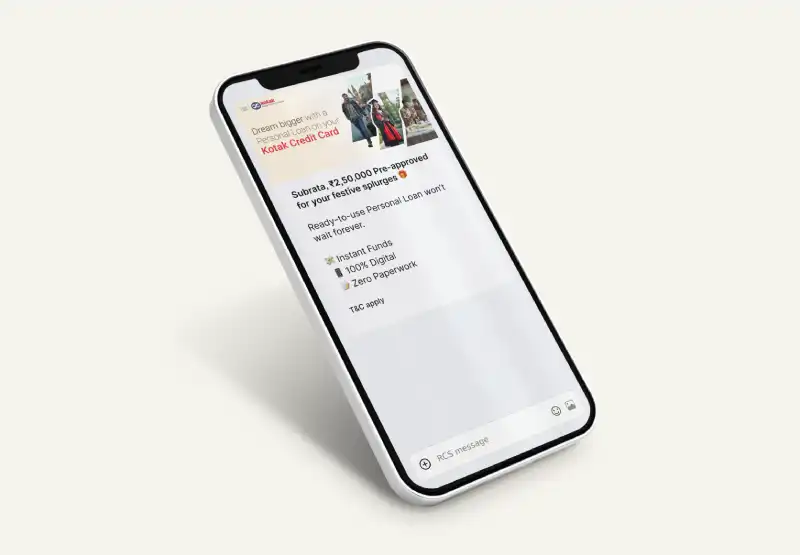
Use RCS when rich content helps (cards, images, buttons). It’s ideal when voice isn’t needed but users benefit from interactive messaging.
Read More
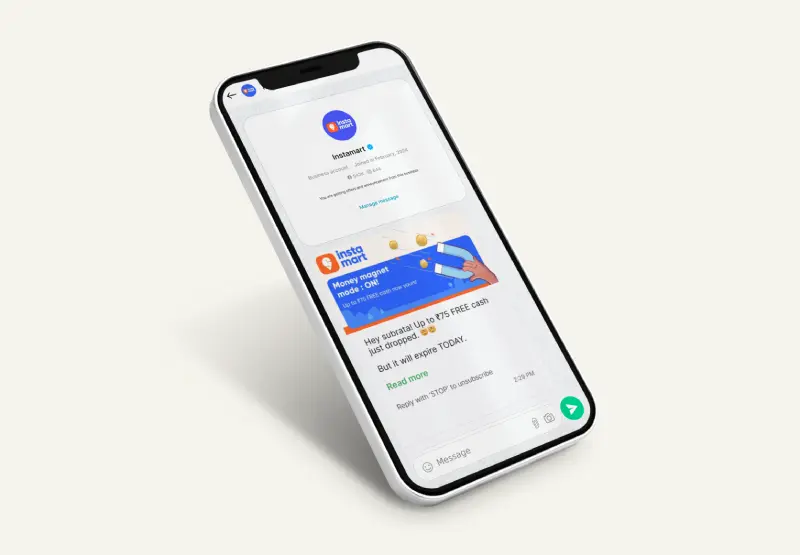
Use WhatsApp Business API for chat-first workflows with media, catalogs, and support automation—then combine it with voice when customers need faster resolution.
Read More
Bulk SMS is a strong fallback channel for broad reach. Use it to back up voice calls, send confirmations, and maintain delivery when calls aren’t answered.
Read MoreOur analytics engine unifies insights across channels—helping teams understand outcomes, optimize scripts/prompts, and improve conversion and support KPIs.
A Voice API lets your app make/receive calls and control call flow programmatically (routing, recording, call events). IVR is one use-case on top of voice (menu + self-serve). SMS is text-only and not real-time voice interaction.