Save 50% for 12 months — limited-time offer. Get started today.

RCS Business Messaging (RBM) for Verified, Interactive Customer Conversations

Verified Rich Messages with Media, Buttons & Replies

RCS Messaging that Builds Trust & Engagement

IFB logo
Indian Railways logo
Fortis Hospital logo
IRIS logo
Merlin logo
SS Jalan logo
Rupa logo
PICE Educare logo
Skipper logo
MSME logo
Pathfinder logo
Icon representing high OTP SMS delivery uptime and reliability
Higher Engagement Potential vs SMS

RCS Business Messaging often outperforms SMS because users can tap (not just read) with rich cards and actions inside the inbox. We track reads, clicks, and replies so you can improve every campaign.

Icon representing business communication and messaging services
Verified Brand Profile

Your messages appear with a verified sender identity (brand name + logo), so customers know it’s really you before they click. We guide the verification + launch process end-to-end.

Interactive message card with carousel navigation arrows and rich media preview
Buttons, Carousels & Quick Replies

Use rich cards + carousels with suggested replies/actions so users can browse, pay, book, or get help in a few taps. Less typing, faster journeys.

Wide coverage region illustration
Device & Carrier Support (Coverage Varies)

Reach RCS-capable users where your agent is launched, and automatically fall back to SMS/MMS when RCS isn’t available. One campaign, maximum coverage.


What is RCS Business Messaging (RBM) and how is it different from SMS?

Rich Communication Services (RCS) is the modern upgrade to SMS. RCS Business Messaging (RBM) lets businesses send branded, interactive messages (rich cards, media, and actions) inside the user’s messaging app.

Aspect RCS Business Messaging SMS (Traditional Messaging)
Media Support Supports rich media like images, videos, and GIFs through the RCS API. Restricts communication to plain text and links.
Interactivity Allows buttons, carousels, and suggested replies for smooth interaction. No interactive elements; requires manual responses.
User Experience Includes typing indicators, read receipts, and delivery confirmations. Provides only basic delivery info; status often uncertain.
Brand Presence Shows verified brand profiles and logos for trust and recognition. No authentication; can cause confusion.
Technology & Reach Uses advanced RCS API with global carrier support. Uses old SMS protocols with limited capabilities.
Rich Media: Images, Video & Documents

Show offers with images/GIFs/videos, and even PDFs inside rich cards (PDF support is currently available in India on Google Messages). Each card can include title, description, and actions.

Verified Sender (RCS Agent Profile)

Verified sender profiles reduce confusion and build trust by showing your brand name + logo instead of a random number. Customers instantly know who they’re talking to.

Interactive CTAs: Buttons, Carousels, Suggested Replies

Turn messages into journeys: carousel browse, quick reply, call, map, pay, or deep-link into your app/site. Suggested replies/actions keep the flow frictionless.

Read & Delivery Receipts + Typing Indicators

Measure engagement through delivery/read signals and interaction analytics, then optimize content and timing. (Feature availability can vary by device/network.)

How RCS Business Messaging Works: Verified Profile → Rich Messages → Two-Way Replies?

Why RCS Business Messaging Works for Modern Customer Engagement?

  • Shield icon for SMS template compliance and pre-validation
    Set Up & Verify Your RCS Agent Profile

    We set up your RBM agent and submit it for brand verification + launch approval (Google-managed or carrier-managed). Once approved, you can reach RBM-capable users on the approved networks.

  • Message template icon with overlapping chat bubbles
    Build Rich Cards/Carousels & Media

    After approval, we build flows using the RBM API: text, rich cards, media/PDF, suggested replies, and suggested actions.

  • Chat bubble icon
    Add Suggested Replies & Actions (AI Assist Optional)

    Our AI assistant helps draft variants and recommends layouts (single card vs carousel), but every message stays human-reviewed for compliance and brand voice.

  • Arrow icon
    Send via RCS API + Route Logic

    Before sending, we check capability. If a user/device/network can’t receive RCS, the platform returns a not-supported response, and we switch to fallback (SMS/MMS/WhatsApp) based on your rules.

  • Messaging analytics and monitoring dashboard icon
    Receive Replies + Measure Engagement

    When users reply, we route intent to automation or a live agent, while keeping the full conversation history in one thread for faster resolution.

  • Dashboard monitor icon for OTP SMS delivery reports and analytics
    Track Clicks, Replies & Card Performance

    We measure reads, clicks, button taps, and response times and feed insights back into your next message to continuously improve results.

  • High-performance and optimization icon with star lightbulb over a gear and upward arrows
    Iterate: Improve Creative, Targeting & Timing

    Continuous improvement: A/B test cards and CTAs, refine segments, and schedule sends based on real engagement patterns.

RCS Features: Rich Cards, Carousels, Buttons, Suggested Replies & Read Receipts

RCS Business Messaging combines verified branding, rich cards, and analytics. Add AI + fallback orchestration to scale campaigns without losing reliability.

Verified Branding & Sender Identity

A verified profile shows your brand identity at the top of the chat, improves trust, and reduces impersonation risk.

Rich Media + Carousels (Cards)

Share rich media using structured formats like rich cards and carousels so users understand faster and act sooner.

Buttons + Suggested Replies/Actions

Use suggested replies/actions for journeys like “Track order,” “Pay now,” “Book slot,” and “Talk to agent” without forcing users to type.

AI Copy Suggestions + Variant Generation

AI helps generate on-brand copy faster (headlines, descriptions, CTAs), while your team approves the final version before it goes live.

Send-Time Insights (When Your Users Respond)

AI can recommend best send-times by segment by learning from opens/clicks/replies across days and time windows.

Intent Signals from Replies (Where Applicable)

Detect intent and sentiment from replies so urgent issues reach a human faster while routine queries stay automated.

Fallback to SMS/Other Channels (When RCS Unavailable)

If RCS isn’t supported (device/network/agent not launched), we expire/revoke and retry on SMS/MMS or WhatsApp using predefined fallback rules.

Analytics Dashboard (Opens, Clicks, Replies)

Analytics show delivery/read signals, CTA clicks, and conversation outcomes, helping you connect messaging activity to revenue or ticket resolution.

Privacy & Policy-Aware Messaging

RCS for Business has policy controls and secure handling, but it is not end-to-end encrypted. Use data minimization and keep sensitive personal data out of message bodies.

RCS Business Messaging Use Cases by Industry

Across industries, RCS Business Messaging delivers interactive updates and support flows that feel like an app experience, without an app install.

  • Retail & E-commerce

    Retail & E-commerce RCS Use Cases

    Retail & eCommerce: send product carousels, personalized offers, back-in-stock alerts, and cart reminders with one-tap “Buy” or “Chat with support” actions.

    E-commerce use case for cart recovery and offers messaging
  • Banking & Finance

    BFSI RCS Use Cases (Alerts, Updates, Support)

    Banking & finance: use verified branding for statements, reminders, card delivery updates, and service requests. Keep sensitive actions behind authenticated apps/secure links.

    Banking use case for OTP and transaction alerts messaging
  • Logistics / Delivery

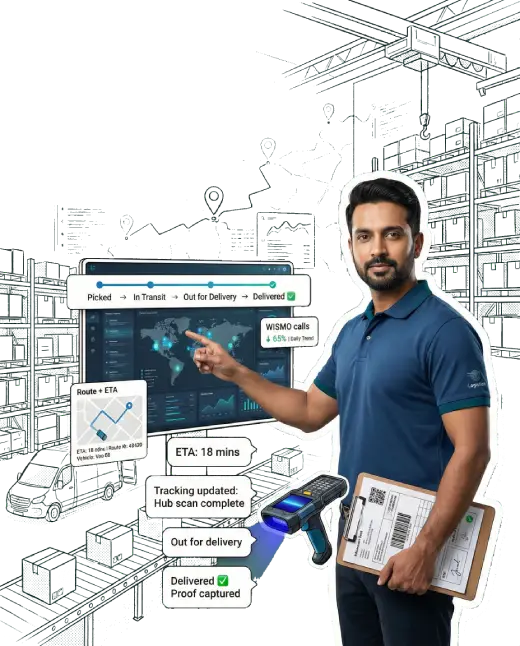
    Logistics RCS Use Cases (Tracking, ETA, Proof)

    Logistics: share tracking, live ETA updates, delivery options, and one-tap reschedule/call actions to reduce failed deliveries and support load.

    Logistics use case for delivery and tracking updates messaging
  • Healthcare

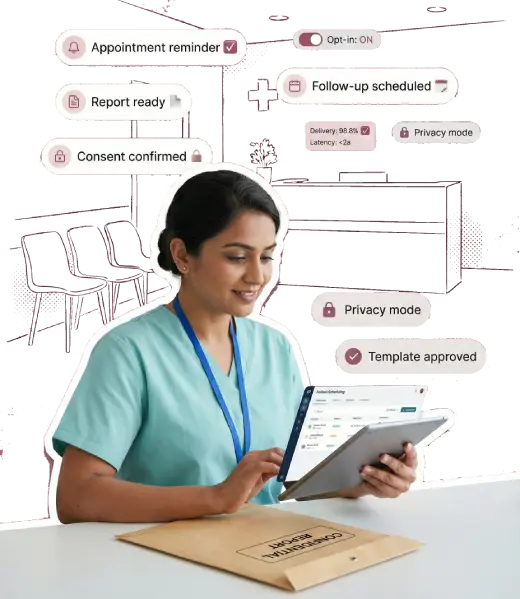
    Healthcare RCS Use Cases (Appointments, Follow-ups)

    Healthcare: confirm appointments, share prep instructions, and enable “Reschedule” / “Call clinic” actions. Avoid putting sensitive medical details directly in chat.

    Healthcare use case for appointment and report alerts messaging
  • Education

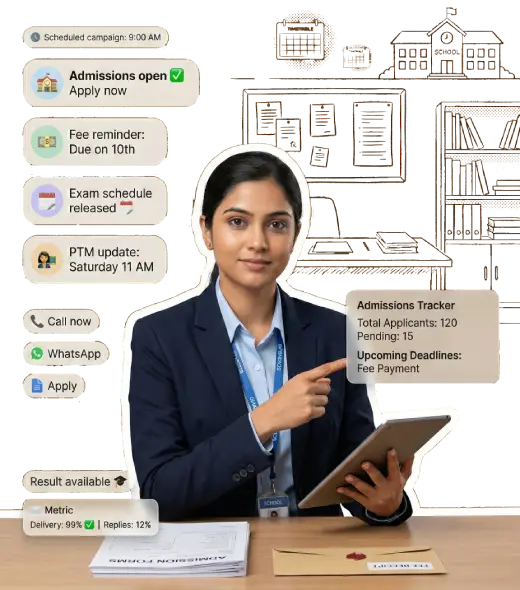
    Education Transactional SMS (Admissions & Student Updates)

    Deliver admissions updates, fee reminders, exam schedules, and important announcements with dependable transactional delivery.

    Education use case for fee reminders and attendance alerts
  • Travel & Hospitality

    Travel & Hospitality RCS Use Cases

    Travel: send itinerary cards, check-in reminders, boarding links, and support options inside one thread to reduce anxiety and increase self-serve.

  • T/U/P Vertical

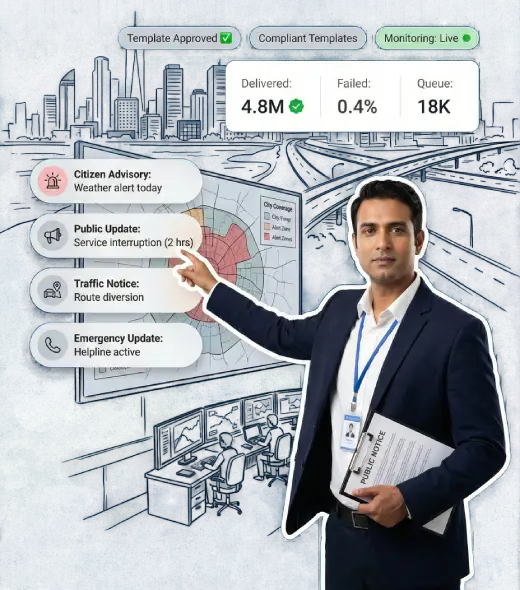
    Telecom/Utilities/Public Sector RCS Use Cases

    Telecom/utility/public sector: deliver outage notices, bills, and plan updates with clear CTAs, then fall back to SMS for unreachable users.

    Government use case for citizen notifications and alerts

Verified Sender, Privacy & Compliance for RCS Business Messaging

RCS platforms provide detailed delivery and engagement reporting. Message status visibility supports operational clarity. Read receipts and interaction metrics guide optimization. Reporting enhances accountability while ensuring compliance and maintaining consistent communication performance across campaigns.

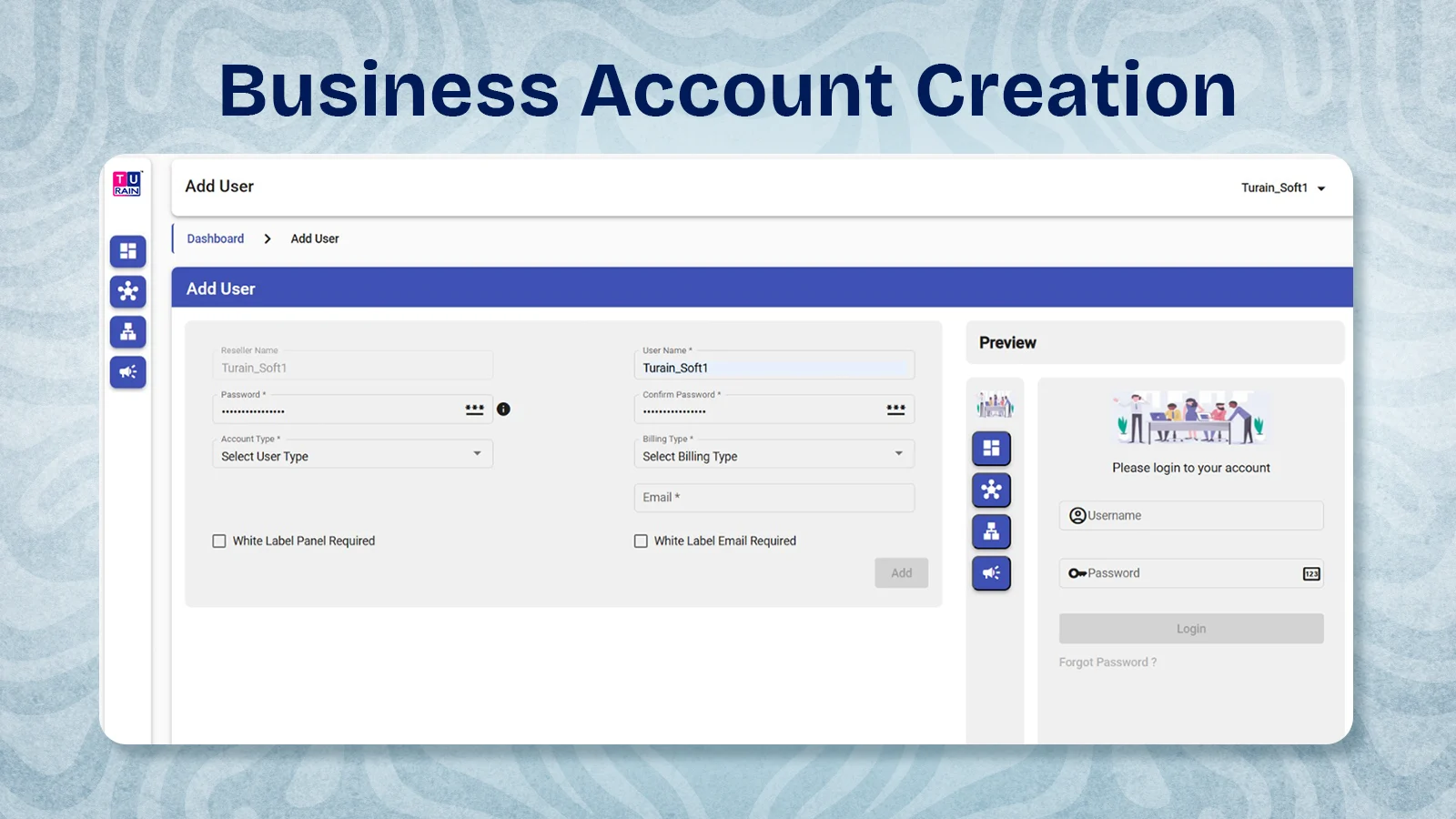
Screenshot of the RCS platform 'Add User' page for creating a business account and setting user details.
Account Creation

Account creation begins with RCS business verification and the registration of the sender's profile. Brand identity is approved through RCS compliance processes in India. This step ensures lawful access to RCS messaging and prepares the account for campaign execution.

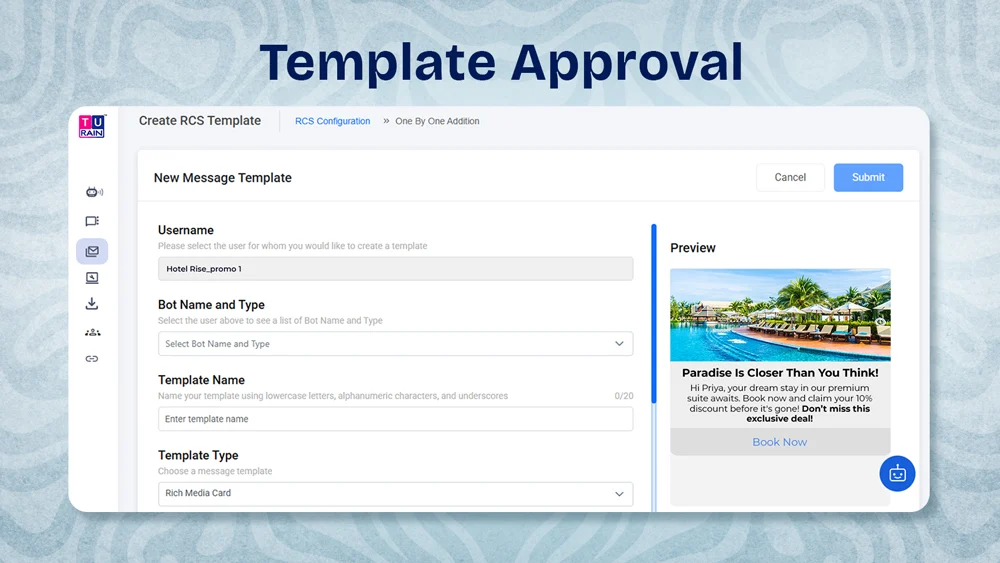
Screenshot of the RCS template approval screen with message template fields and a rich media preview card.
Template Approval

Message templates undergo careful review, as RCS API platforms enforce content compliance, ensuring that interactive messaging, promotional visuals, and AI-generated replies meet carrier and regional communication standards.

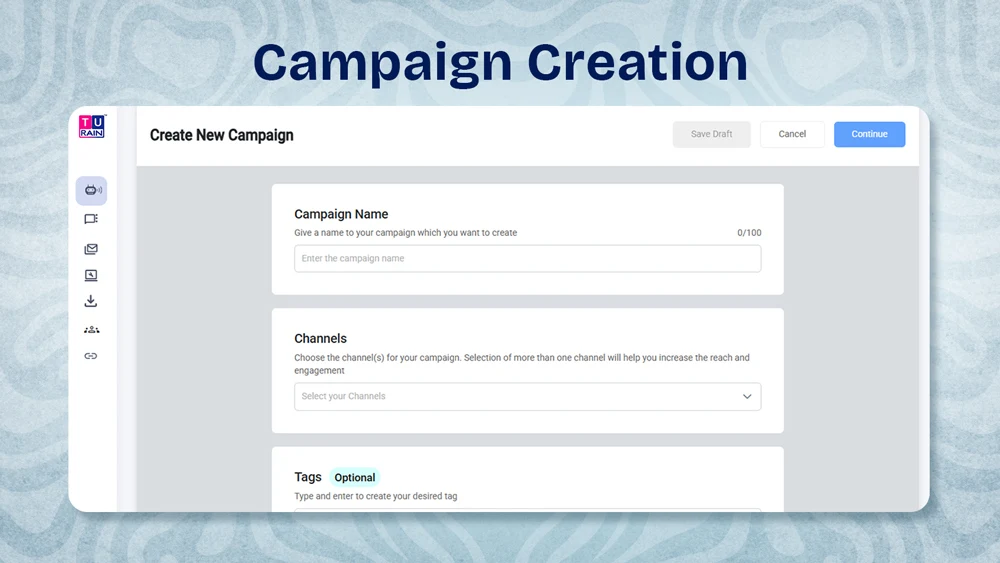
Screenshot of the RCS platform campaign creation form with fields for campaign name, channels, and tags.
Campaign Creation

Campaign creation structures RCS marketing messages using approved templates and rich content. Interactive cards and branded visuals are configured under RCS campaign compliance, enabling high engagement and reliable delivery across supported mobile devices.

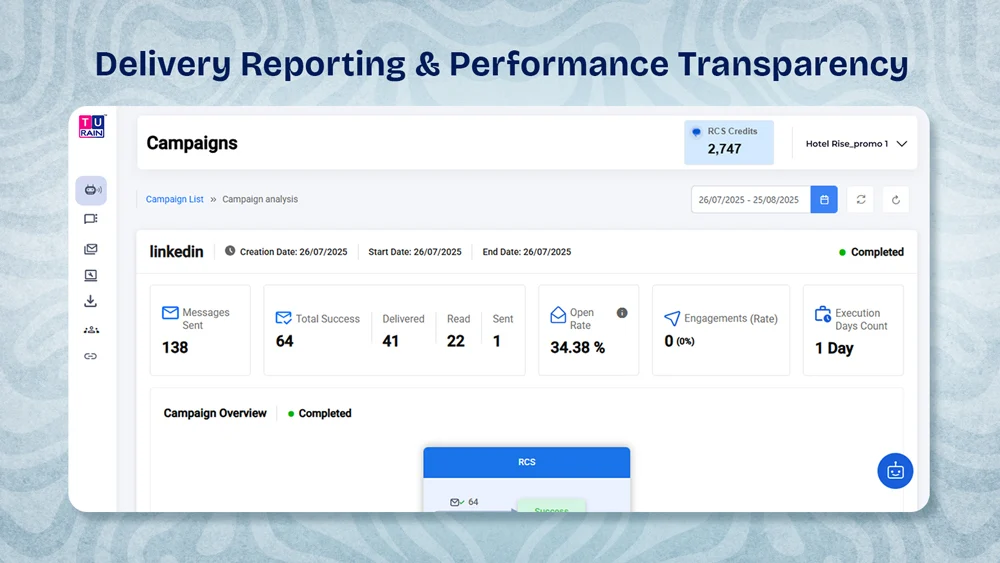
Screenshot of the RCS campaign analytics dashboard showing delivery, read, open-rate, and engagement metrics.
Delivery Reporting & Performance Transparency

RCS platforms provide detailed delivery and engagement reporting. Message status visibility supports operational clarity. Read receipts and interaction metrics guide optimization. Reporting enhances accountability while ensuring compliance and maintaining consistent communication performance across campaigns.

AI Assist for RCS: Copy Suggestions, Variants & Faster Campaign Builds

AI can help draft copy, generate variants, and route replies faster, while humans approve content and compliance before sending.

Suggested Replies & Quick Reply Automation
AI can suggest quick replies for common questions (order status, store hours) to speed up conversations and reduce agent load.
Message Variant Generation (AI Assist)
Generate multiple variants (tone/CTA/length) and A/B test to learn what your audience responds to.
Intent Signals from Replies
Intent and sentiment signals help route urgent issues to humans and keep routine questions automated.
Send-Time & Engagement Optimization
Use engagement history to recommend better send-times by segment (without increasing spam frequency).
Risk Checks for Content & Policy Fit
Pre-send checks can flag risky wording and policy issues so you reduce rejections and improve deliverability.

AI for Optimization: Intent Signals, Send-Time Insights & Risk Checks

Use AI to improve what matters: faster content production, smarter routing, and better timing, without sacrificing message quality.

Channel Use Cases Strengths Limitations
RCS RCS Business Messaging supports conversational commerce, service updates, and customer engagement with rich media, buttons, and carousels in real time. Combines verified branding, read receipts, and AI chatbot integration, creating personalized, measurable, and secure conversations for modern enterprises. Adoption depends on carrier and device compatibility, requiring SMS fallback in regions lacking complete RCS infrastructure.
SMS / Bulk SMS Used for time-sensitive alerts, OTPs, and promotional blasts, ensuring communication across all devices without needing internet. Offers wide reach, fast delivery, and cost efficiency, making it reliable even with no data connectivity. Limited to text-only messages with no rich media or interactivity, offering fewer engagement and branding options than RCS or WhatsApp.
WhatsApp Supports commerce, notifications, and post-purchase engagement through verified accounts sharing catalogs, invoices, and support messages securely. Provides rich interactive messaging with catalogs, buttons, and verification that builds trust and drives repeat customer engagement. Template approvals and strict consent rules reduce flexibility compared to AI-driven RCS Business Messaging.
Voice / IVR Used for authentication, feedback, and urgent updates via real-time spoken interaction during complex service scenarios. Delivers empathy and immediacy, bridging emotional gaps and enhancing reassurance during issue resolution. Higher cost and scalability challenges, lacking visual support and automation flexibility found in RCS or AI-enhanced channels.
Fallback Logic & Routing Strategy

Use RCS where supported for rich engagement, keep SMS for universal reach, and add WhatsApp/voice for high-intent or time-critical interactions.

Case Studies: How Teams Use RCS to Improve Conversations (avoids hard % claims)

Example (Retail): carousel product cards + “Buy/Chat” actions typically drive higher engagement than plain SMS. Results vary by offer and audience.

– Case Study: E-commerce Brand

Example (Travel): itinerary cards + map/action buttons help reduce “Where/when” queries by improving clarity in the inbox.

– Case Study: Travel & Hospitality

Example (Telecom/Utilities): verified outage updates + fallback reduce confusion and ensure reach during disruptions.

– Case Study: Telecom/Utilities/Public Sector

Free Resources: RCS Templates, Best Practices & RCS API Guide

Get practical resources: templates, best practices, and developer notes to launch RCS Business Messaging faster.

RCS Template Pack (Cards, Carousels, CTAs)

Use templates for common flows: product browse, booking, payment reminders, order tracking, and support menus.

Best Practices: Design, Copy & CTA Patterns

Best practices cover: copy length, card design, CTA clarity, frequency, consent, and fallback rules.

AI + RCS Playbook (Replies, Variants, Insights)

The AI playbook shows what to automate (drafting, variants, intent routing) and what to review manually (claims, policy fit, brand tone).

RCS API Developer Guide + Fallback Patterns

Developer guide: payload examples, webhooks, error handling, capability checks, and fallback patterns.

Omnichannel CPaaS: RCS + SMS Fallback + WhatsApp + Voice/IVR

Use these resources to shorten onboarding time and launch with fewer approval iterations.

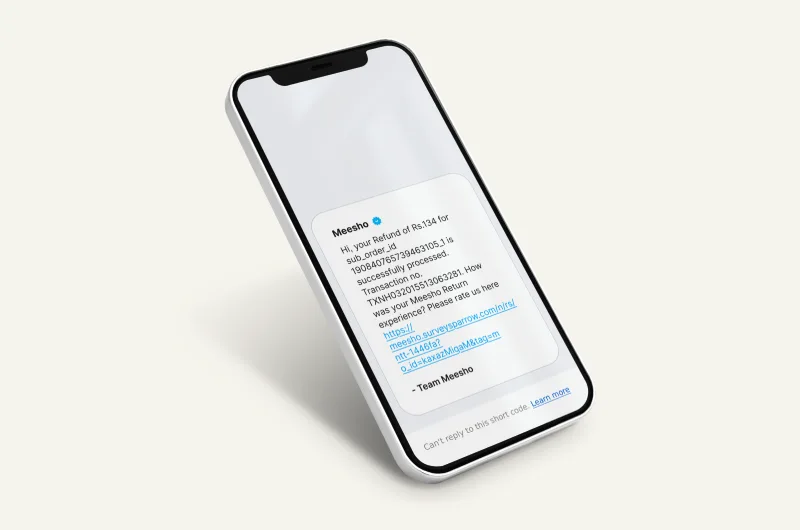
Transactional SMS example for order or account updates
Transactional & OTP SMS (Fallback + Critical Alerts)

Transactional/OTP SMS is ideal for universal reach and time-critical alerts, and it pairs well as fallback for RBM.

Read More
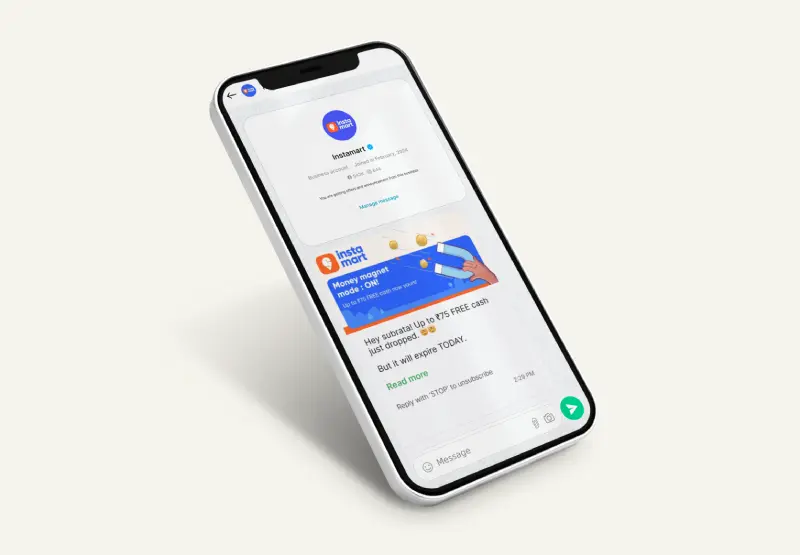
WhatsApp Business message example on smartphone
WhatsApp Business API (Conversational Support)

WhatsApp Business API is great for conversational support, retention, and high-intent re-engagement alongside RCS.

Read More
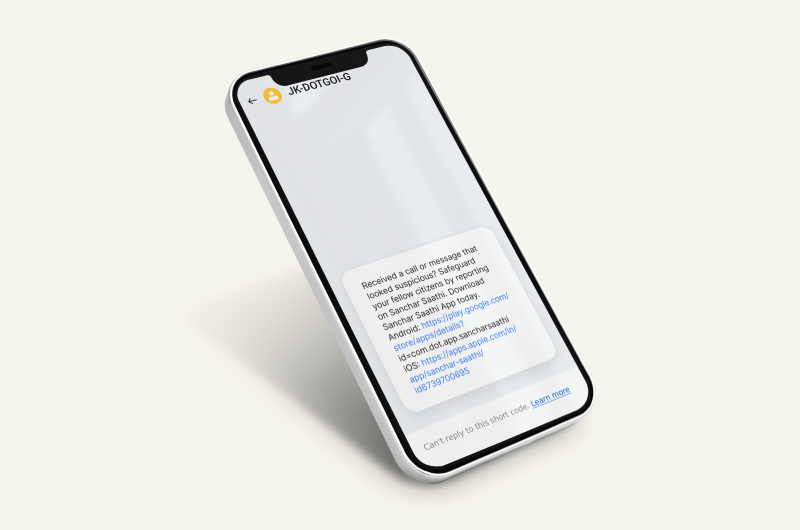
Bulk SMS platform illustration for high-volume messaging
Bulk SMS for Reach When RCS Isn’t Available

Bulk SMS supports broad reach for promotions and alerts when RCS isn’t available on a user’s device/network.

Read More
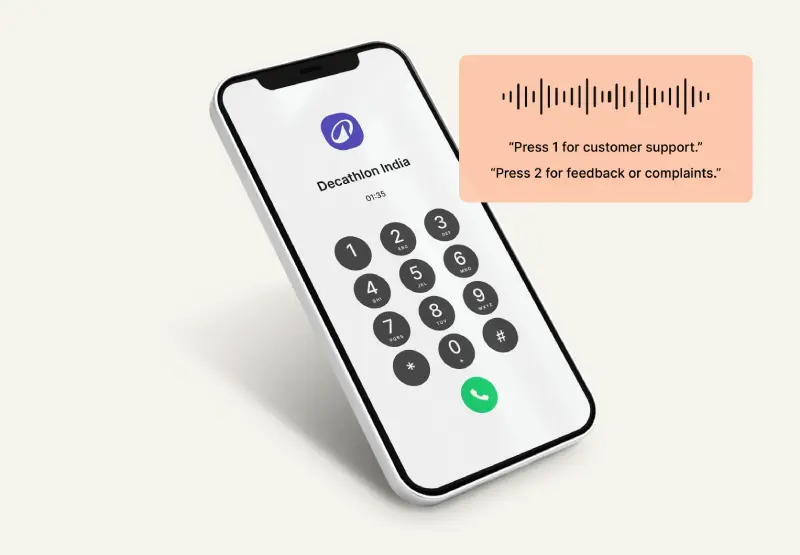
IVR voice call menu on smartphone for customer support
Voice & IVR Alerts (Urgent & High-Intent)

Voice/IVR helps with escalations, reminders, and urgent calls where speaking is faster than typing.

Read More

Get Started with RCS Business Messaging: Demo, Setup & Pricing

Start RCS with Templates + Safe Fallback

Need immediate assistance? Call us now at +91 9230996919 or drop an email at support@turaingrp.com

Smiling support executive holding a laptop for customer assistance

RCS Business Messaging FAQs

RCS FAQs: Support, Verification, Pricing & Best Practices
  • RCS Business Messaging operates across most Android devices and supported carriers, as compatibility expands globally through unified Rich Communication Services infrastructure deployment continuously.

Schedule a Consultation
Chat on WhatsApp